
Choosing the right pelvic floor training equipment requires balancing personal health goals with the practical realities of your living space. For residents in compact, shared HDB flats, the choice between a smart, app-connected device and a traditional manual trainer extends beyond basic functionality. This guide compares the core features, storage requirements, and privacy implications of both types to help you determine which pc muscle trainer best aligns with your home environment and daily routine.
In a shared household, every wellness tool must justify its physical footprint and respect the privacy of all family members. While smart trainers offer real-time biofeedback via smartphone apps, manual trainers provide a silent, battery-free, and highly discreet alternative. The ideal choice depends on how you manage shared living spaces, your daily routine, and your personal comfort with technology in a shared household.
Core Differences Between Smart and Manual PC Muscle Trainers
Before evaluating how these devices fit into a compact home, it is essential to understand their fundamental mechanics and design. A smart pc muscle trainer is an electronic device equipped with internal pressure or biofeedback sensors. It connects wirelessly via Bluetooth to a smartphone or tablet app, which guides you through structured workouts, tracks your contraction strength, and records your progress over time. These devices are designed to take the guesswork out of pelvic floor exercises by showing you exactly when and how hard you are contracting.
Products mentioned in this guide
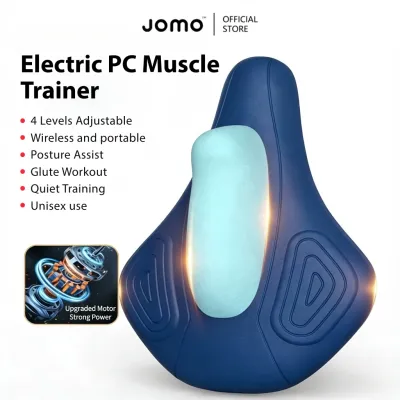
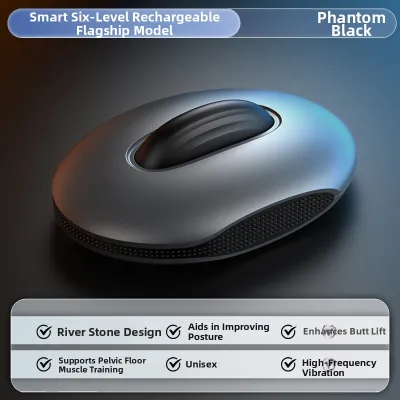
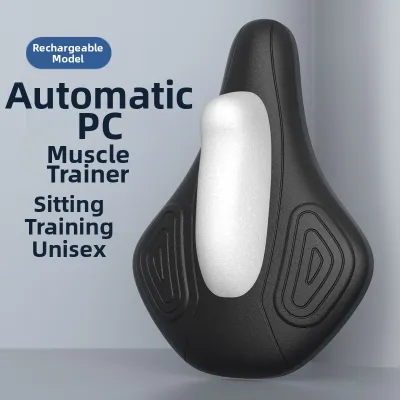
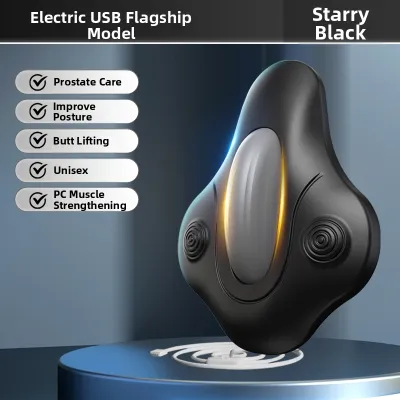
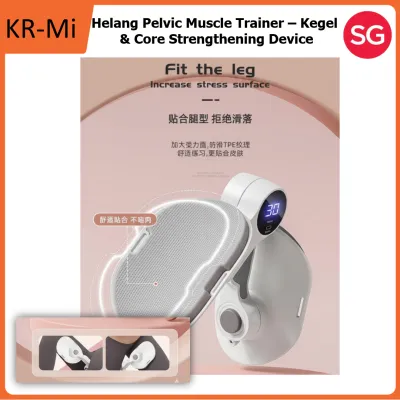
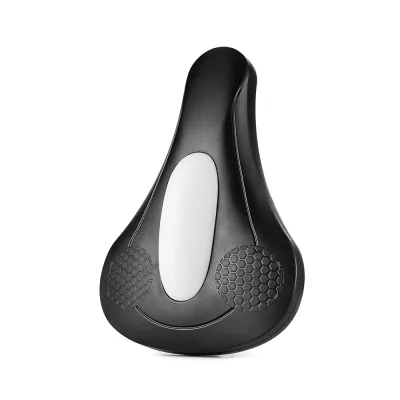
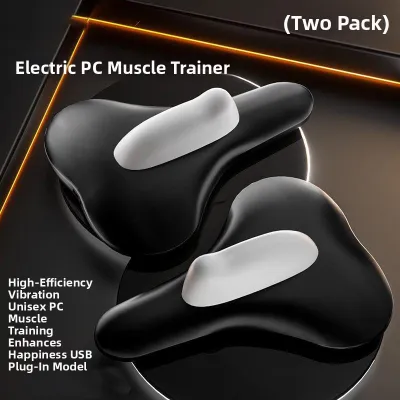
Prices are valid at publication and may change. Please refer to the product page for the latest price.
In contrast, a manual pc muscle trainer is a non-electronic tool that relies entirely on physical feedback and resistance. Common examples include weighted silicone cones, resistance bulbs, or spring-loaded physical trainers. Instead of digital screens, manual trainers use physical weight or mechanical resistance to engage the muscles. You must rely on your own body awareness, or proprioception, to ensure you are performing the exercises correctly.
While both types of trainers aim to strengthen the pelvic floor muscles, they offer vastly different user experiences. It is important to note that specific medical efficacy, pelvic floor rehabilitation, or suitability for individual health conditions require consultation with a qualified healthcare professional. These devices should be viewed as fitness and conditioning tools rather than a replacement for professional medical advice.
Storage and Space Management in Compact Flats
Space is at a premium in modern HDB flats, making the physical footprint of your exercise equipment a major consideration. Smart trainers are typically compact, but they often require auxiliary accessories. A typical smart trainer setup includes the device itself, a dedicated charging case or docking station, and a USB charging cable. This means you need to allocate a spot near an electrical outlet—often in a bedroom or shared living area—to keep the device charged and ready for use.

Manual trainers, on the other hand, have a much simpler physical footprint. Because they do not require batteries or electronic components, they do not need charging docks or cables. A single weighted cone or a set of manual resistance weights can easily fit into a small, discreet pouch. This simplicity makes manual trainers incredibly easy to store in a bedroom drawer, a medicine cabinet, or a personal toiletry bag without cluttering your living space.
Regardless of the type you choose, secure and discreet storage is vital in a shared household. You want to protect the device from dust, household lint, and accidental handling by children or family members. Furthermore, Singapore’s tropical climate brings high humidity, which can impact storage choices. Electronic smart trainers require dry, well-ventilated storage conditions to preserve their internal batteries and sensor integrity. Storing a smart device in a damp bathroom cabinet can lead to moisture buildup inside the charging ports, potentially shortening the device’s lifespan. Manual silicone trainers are less sensitive to humidity but must still be dried thoroughly to prevent mold or mildew from developing on their surfaces.
Navigating Privacy and Discretion in Shared Households
Living in a shared HDB flat means that visual, auditory, and digital privacy are constant considerations. When it comes to visual discretion, manual trainers often have an advantage. A simple silicone cone or resistance bulb is highly discreet and can easily be mistaken for a generic massage tool or physical therapy accessory if left out accidentally. Smart trainers, while sleek and modern, often feature distinct charging ports, indicator lights, or branding that makes their purpose more obvious to curious household members.
Digital privacy is another unique consideration for smart pc muscle trainer users. Because these devices pair with smartphone apps, you must consider who has access to your digital screens. If you share a household tablet or if your phone screen is easily visible to family members, app notifications or workout reminders might compromise your privacy. Additionally, Bluetooth pairing signals can sometimes be detected by nearby devices. While concrete HDB walls help block wireless signals to some extent, a smart trainer in active pairing mode might still appear on the Bluetooth device list of a family member’s phone in the next room. To maintain digital discretion, you may need to adjust your app notification settings, use a private account login, and turn off Bluetooth immediately after your session.
Auditory privacy is equally important in close quarters. Many smart trainers utilize haptic feedback, causing the device to vibrate to guide your contractions. While these vibrations are generally quiet, they can produce a noticeable buzzing sound on hard surfaces or in a quiet room. Furthermore, the accompanying smartphone apps often feature audio cues, background music, or vocal coaching. To prevent these sounds from carrying through thin bedroom walls, you will need to use headphones or disable the app’s audio and vibration features entirely. Manual trainers operate in complete silence, allowing you to complete your routine at any time of day or night without anyone else in the household knowing.
Training Experience: Digital Biofeedback vs. Physical Resistance
The core training experience differs significantly between digital biofeedback and physical resistance. Smart trainers excel at providing immediate, visual feedback. When you contract your muscles, the app displays a real-time graph, a moving avatar, or a gamified target. This visual representation helps you verify that you are engaging the correct muscles rather than straining your abdomen or holding your breath. For beginners who struggle to locate their pelvic floor muscles, this digital guidance can be incredibly helpful. The app also tracks your historical data, allowing you to monitor your progress over weeks or months.
Manual trainers rely on physical resistance and gravity to guide your workout. For example, when using a weighted silicone cone, the physical weight of the device naturally wants to slip downward. To keep the device in place, your pelvic floor muscles must contract. This creates a direct, physical feedback loop that forces you to focus on your body’s internal sensations. While this method requires more concentration and self-awareness, many users find it to be a more mindful, screen-free experience that does not rely on a smartphone.
When choosing between these two experiences, it is wise to check the manufacturer’s specifications before making a purchase. Look for details regarding the available resistance levels, app compatibility with your smartphone’s operating system, and the physical dimensions of the device. This ensures that whichever trainer you select will be compatible with both your body and your existing technology.
Cleaning, Maintenance, and Hygiene Protocols
Maintaining strict hygiene is essential for any personal care device, especially when living in a shared home where bathroom space is shared. Both smart and manual trainers require thorough cleaning after every use, but their maintenance routines differ due to their construction.
For manual trainers, the cleaning process is straightforward. Because they are made of solid, non-electronic materials—typically medical-grade silicone or body-safe plastic—they can be washed thoroughly with warm water and a mild, unscented soap. You do not have to worry about water entering internal compartments, making them highly durable and easy to sanitize quickly in a shared bathroom.
Smart trainers require a more delicate touch. While many are designed to be water-resistant, they feature sensitive electronic components, charging contacts, and buttons. You must take extra care to protect these areas from prolonged moisture exposure. Never submerge a smart trainer in water unless the manufacturer explicitly states it has a certified waterproof rating (such as IPX7). When cleaning, use a damp cloth with mild soap or a dedicated silicone cleaning spray, avoiding the charging port area.
After washing, both types of trainers must be dried completely before storage. In Singapore’s humid climate, leaving a damp device in a closed, dark case is a recipe for bacterial growth and mildew. Wipe the device down with a clean, lint-free towel and let it air dry completely in a well-ventilated area before putting it away. Always refer to the manufacturer’s instructions for specific sterilization guidelines, as some materials may be damaged by boiling water or harsh chemical cleaners.
Decision Framework: Which Trainer Fits Your Living Space?
To help you decide which pc muscle trainer is best suited for your HDB home, consider the following decision framework based on your spatial constraints, privacy preferences, and lifestyle.
Choose a smart trainer if:
- You highly value visual guidance, progress tracking, and gamified workouts to keep you motivated.
- You have a private bedroom or bathroom where you can comfortably use your smartphone during your routine.
- You do not mind managing charging cables, docking stations, and regular device charging.
- You are comfortable managing digital privacy settings and using headphones to keep workout audio private.
Choose a manual trainer if:
- You prioritize absolute privacy and want a completely silent, discreet device that leaves no digital footprint.
- You prefer a screen-free workout experience that allows you to focus entirely on physical sensations.
- Your storage space is extremely limited, and you want a single, compact tool that requires no cables or power outlets.
- You want a low-maintenance, highly durable device that is quick and easy to wash in a shared bathroom.
Verify first if:
- Before purchasing any device, verify the exact product specifications, waterproof ratings, and battery life on the official brand website.
- Check the warranty terms and return policies of authorized online retailers to ensure you are protected in case of manufacturing defects.
- Consult a qualified healthcare professional if you have any underlying pelvic health concerns to ensure the trainer type you choose is safe for your body.
By carefully weighing these factors, you can select a trainer that fits seamlessly into your compact HDB home, respecting both your personal wellness goals and your shared living environment.
Frequently Asked Questions (FAQ)
Can I travel with my PC muscle trainer in my carry-on luggage?
Yes, you can generally travel with a pc muscle trainer in your carry-on luggage, but the rules differ depending on the type of device. Manual trainers, being non-electronic silicone or plastic items, can be packed in either carry-on or checked baggage without issue. However, smart trainers contain lithium-ion batteries. Under standard international aviation safety regulations, devices containing lithium batteries must be carried in your carry-on luggage rather than checked baggage to prevent fire hazards in the cargo hold. Always ensure the device is switched off and stored in its protective travel case. It is also wise to check the specific baggage policies of your airline and the customs regulations of your destination country before you fly.
Do smart PC muscle trainers require a constant Wi-Fi connection?
No, smart trainers typically do not require a constant Wi-Fi connection for daily workouts. Most smart devices use a direct Bluetooth connection to pair with the app on your smartphone or tablet, which functions offline. However, you will need an active internet connection (either Wi-Fi or cellular data) for the initial app download, account setup, firmware updates, and syncing your workout history to the cloud. If you plan to use the device in a part of your HDB flat with weak Wi-Fi coverage, check the product manual or app specifications beforehand to confirm that the app supports offline training and local data storage.
Community discussion
Share your experience or ask a question. Comments are reviewed before publication.